Home · Apps · Keepsake: Private Doc Vault
Tools · On Google PlayThe papers that matter, locked to your phone.
Keepsake scans documents, IDs, receipts and old prints into an encrypted vault, reads the text on your device so you can search inside them, and holds no internet permission at all — it cannot upload anything, even in principle.
A vault that can't phone home.
Keepsake scans documents into an AES-256 vault, behind your fingerprint. No internet permission at all - check it yourself. Free, no ads.
What Keepsake does.
Your documents, your photos, your phone. That is the whole architecture.
Scan anything
Multi-page documents with automatic edge detection and perspective correction, saved straight to PDF. ID mode keeps front and back together as one item; receipt mode is a two-second capture.
Old photos, gently restored
Import or capture printed photographs and Keepsake recovers contrast and colour — enough to bring the picture back, not so much that it becomes something it never was.
Search inside your scans
Every page is read on your device, so you can find the shop on a receipt, the policy number in a letter or the serial on a warranty. Results are ranked and show the matching text in context.
No internet permission
Not a promise not to upload — the app does not hold the permission. Open Android app info and check it yourself.
Encrypted and locked
Every file is encrypted with AES-256 using a key held in your phone secure hardware, behind your fingerprint with a PIN fallback. Screenshots are blocked and the vault is excluded from cloud backups.
Out only when you say so
Share an item as a PDF or an image when you choose to. Deleting an item securely wipes it rather than just forgetting where it was.
A look inside.
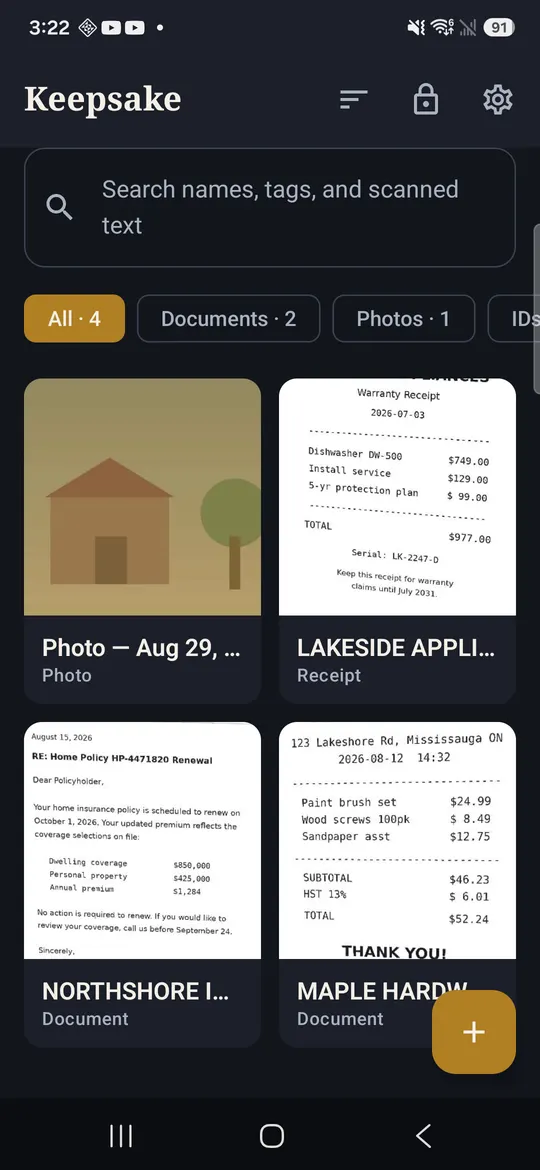
Your vault, local and locked
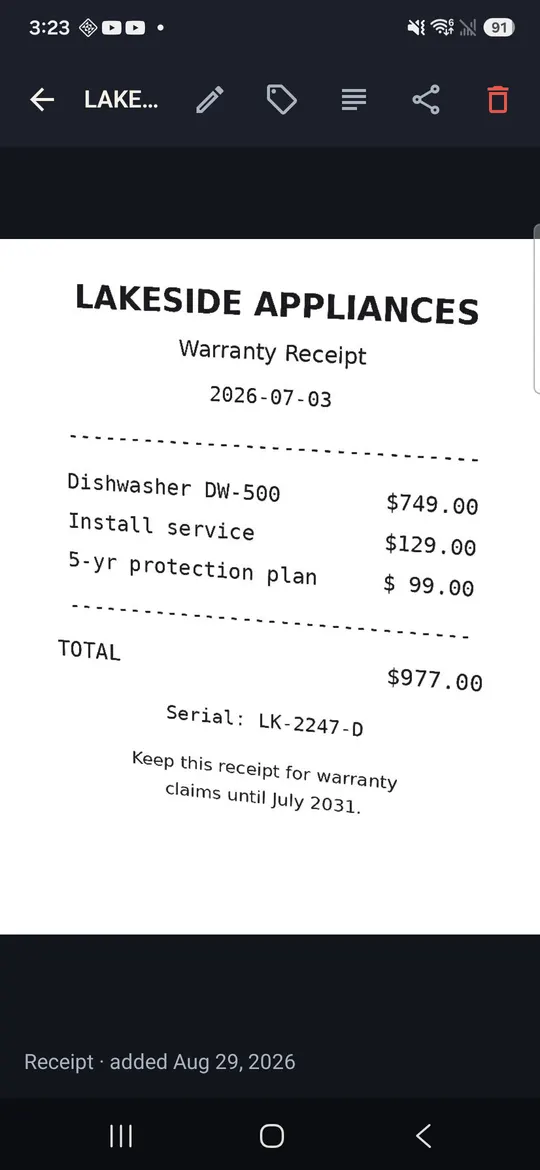
Multi-page scans saved as PDF
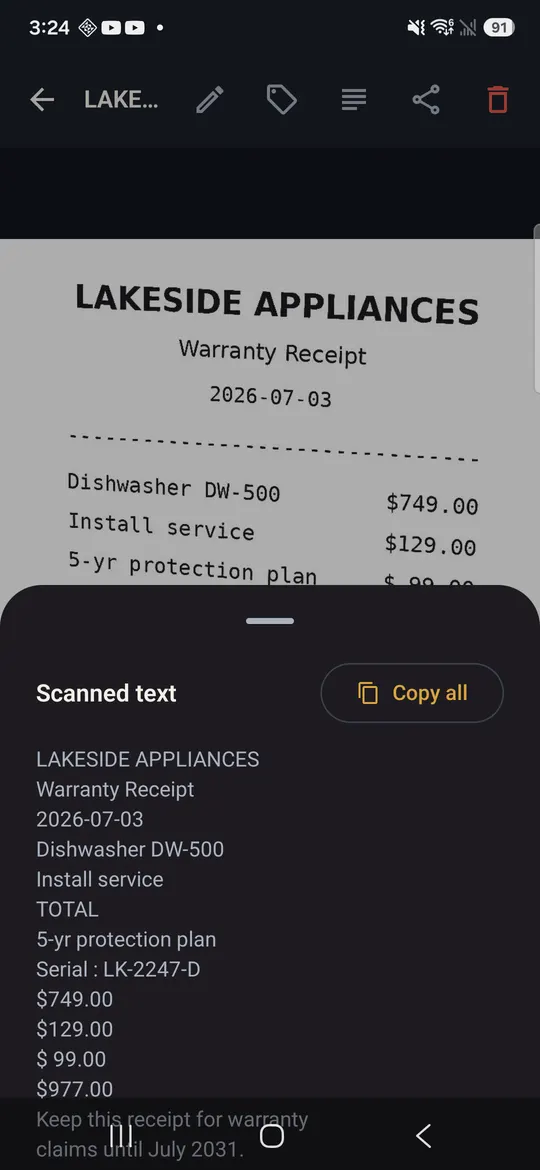
The text read out of every page
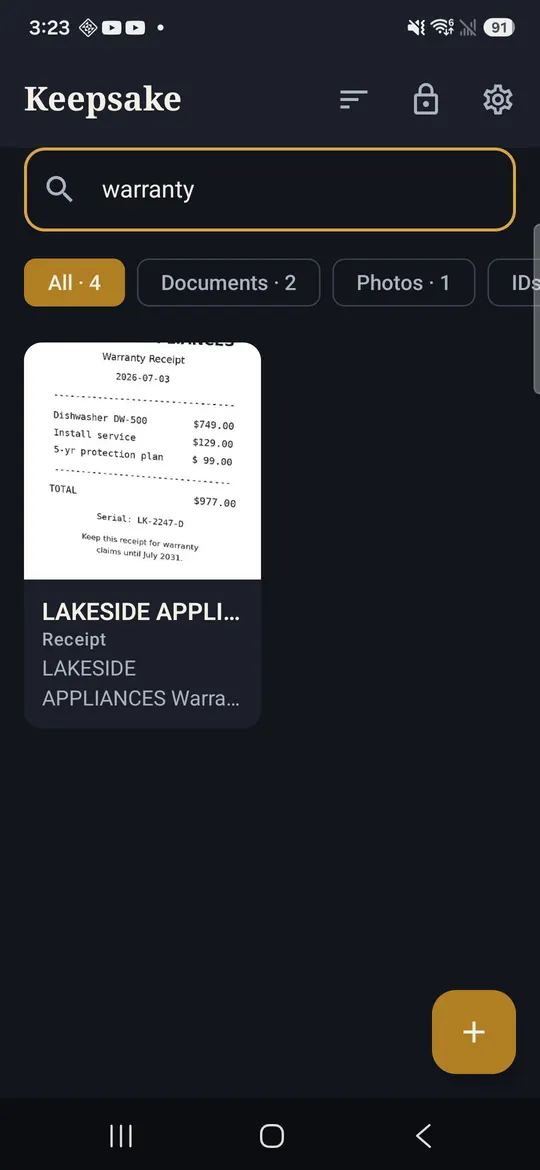
Search the words inside your scans
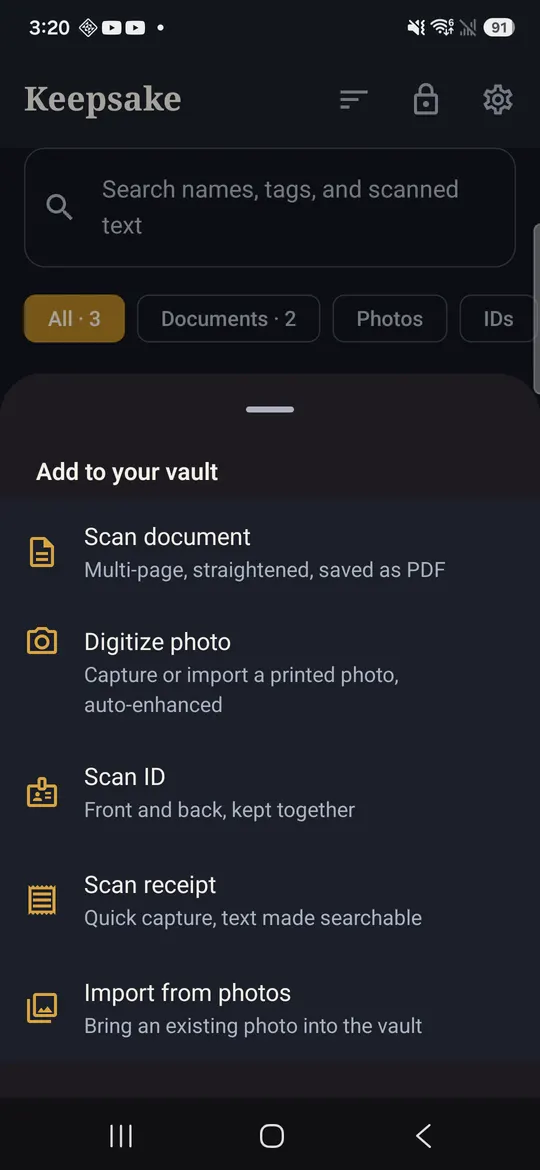
Documents, IDs, receipts and prints
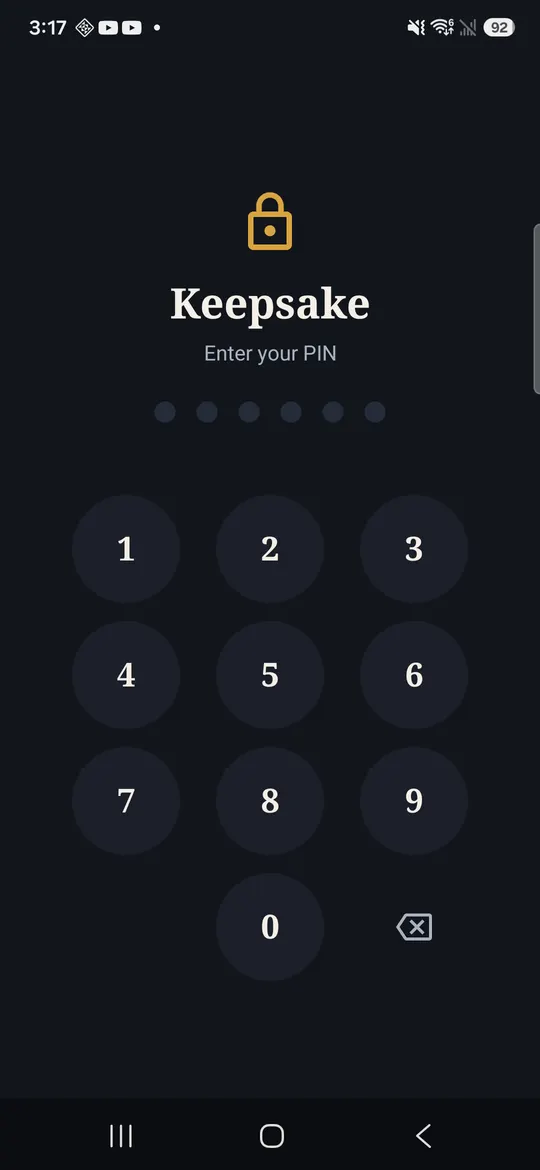
Fingerprint, with a PIN fallback
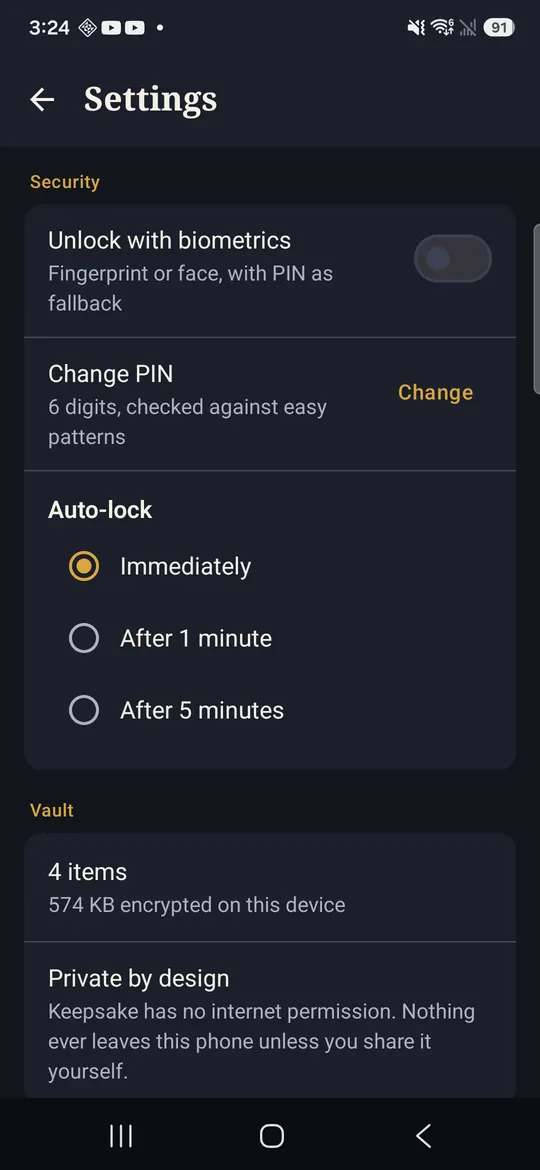
Settings, plain and few
Made for the paperwork you cannot afford to lose.
The documents that matter are usually in a drawer, a glovebox and three different photo albums. This puts them in one place that never phones home.
Questions, answered.
Is it out yet?
Yes. Keepsake is live on Google Play, free, with no ads and no in-app purchases in this first release.
How can an app have no internet permission?
Android permissions are declared in the app itself, and Keepsake declares no networking permission at all. Scanning, text recognition and encryption all run on the phone, so there is nothing the app needs a connection for.
What happens if I lose my phone?
Your vault is encrypted with a key held in that phone secure hardware and is deliberately excluded from cloud backups, so nobody can read it from a copy of your storage. It also means the vault does not travel to a new phone on its own — export anything you cannot afford to lose.
Does the text recognition send my documents anywhere?
No. Recognition runs entirely on the device, which is also why searching inside your scans keeps working with the phone in airplane mode.
Can I get my documents back out?
Yes. Any item can be shared out as a PDF or an image whenever you choose, through your own share sheet.
What does it cost?
Keepsake is free at launch, with no ads and no in-app purchases in the first release.
Is there a document scanner app that works completely offline?
Keepsake is one of the few that genuinely cannot go online. Scanning, edge detection, text recognition and encryption all run on the phone, and the app declares no internet permission at all — so offline is not a mode you switch on, it is the only way it works.
Can I scan an ID card with the front and back together?
Yes. ID mode captures both sides and keeps them as one item, so a licence, a health card or a permit stays a single document instead of two loose photos in your camera roll.
Can I scan receipts and find them again later?
Yes. Receipt mode is a two-second capture, and because every page is read on the device you can search for the shop name, an amount or a serial number and find the receipt that mentions it.
Put the paperwork somewhere it cannot leak from.
Email usMore from the studio.
Nine apps, one promise: friendly tools that work flawlessly, respect your privacy and fit your life. See all nine and their Google Play links →