Home · Apps · Offline Voice Notes & Summary
Productivity · On Google PlaySay it once. Get the transcript and the to-do list.
Voice Notes records a spoken note, writes it out, and pulls the useful part into a short summary — key points, decisions, action items and the dates you said out loud. All of it happens on the phone. The app holds no internet permission, so nothing can leave it.

Record. Transcript. Summary.
Voice Notes transcribes on the phone and pulls out decisions and action items. No internet permission. Free on Android.
What Voice Notes does.
Record, read it back, and get out the parts you would otherwise have written down twice.
Record or import
Tap once to record a note, or bring in audio you already have — a voice memo, a recording from another app, a file someone sent you.
Transcribed on the phone
Speech recognition runs on the device itself, with no connection of any kind. Try it in airplane mode; it behaves exactly the same, because there is no server behind it.
A summary you can act on
Every note comes back as key points, decisions, action items and follow-up dates — including the dates you said out loud, resolved to real ones.
Everything is editable
On-device speech recognition is good, not perfect, and names are where it slips. Every line of the transcript and every item in the summary can be corrected, and the summary rebuilds from the text you fixed.
Search across every note
Find the note where you mentioned a name, a price or a place, without remembering when you recorded it.
Out as text, when you want
Share or export a note as plain text or Markdown through your own share sheet — into an email, a task list, or a document.
A look inside.
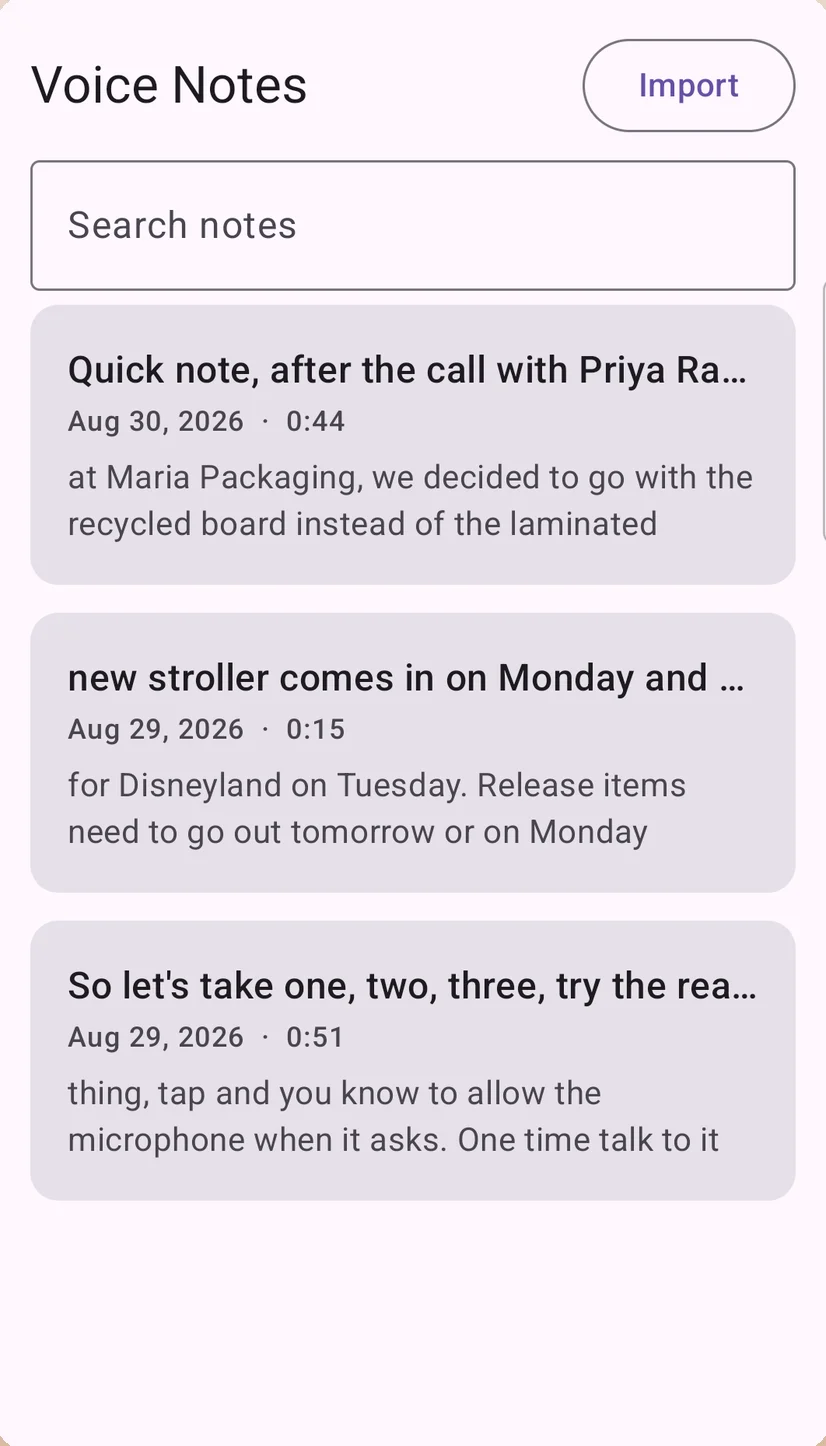
Every note, searchable
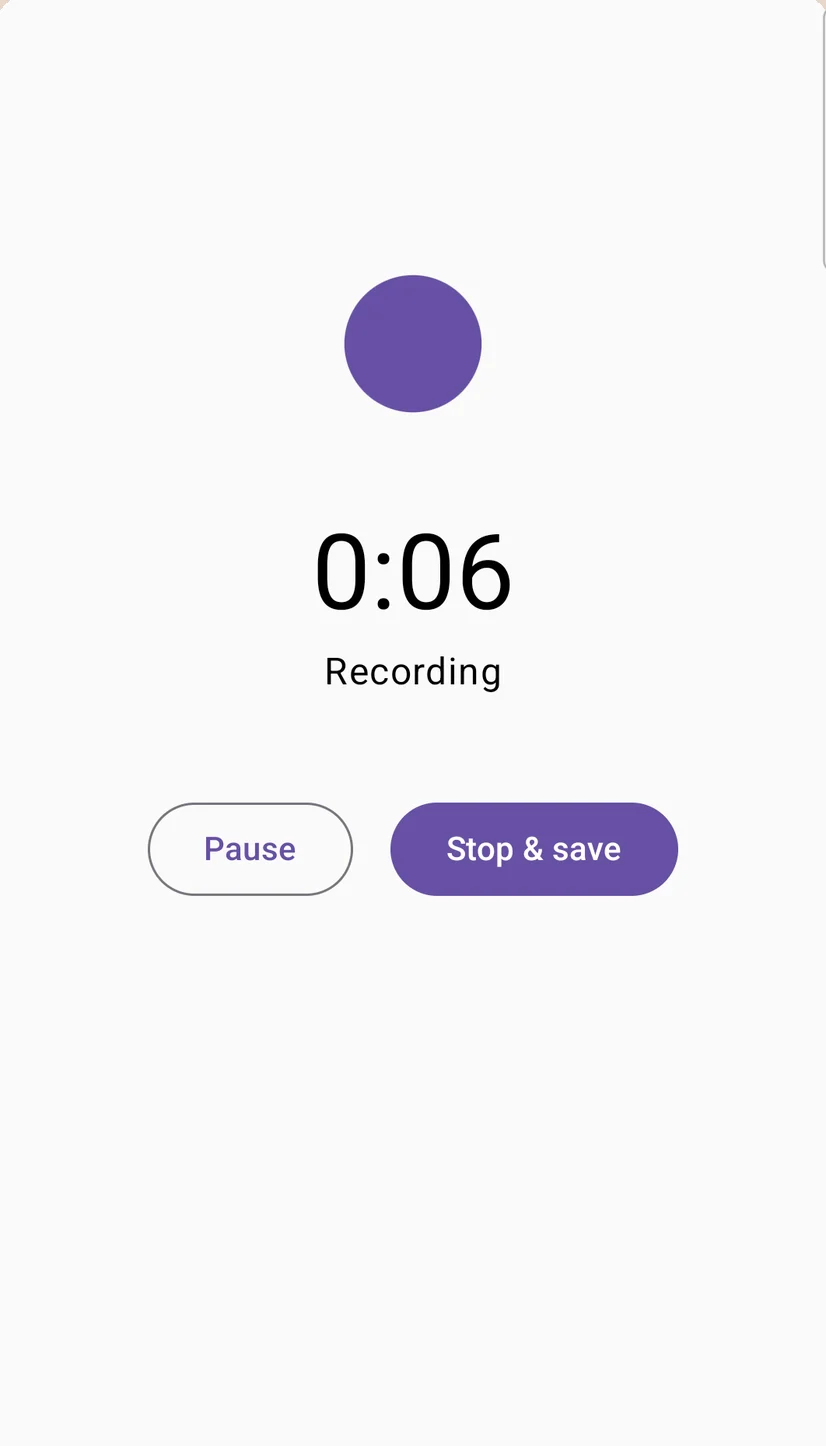
Tap once and start talking
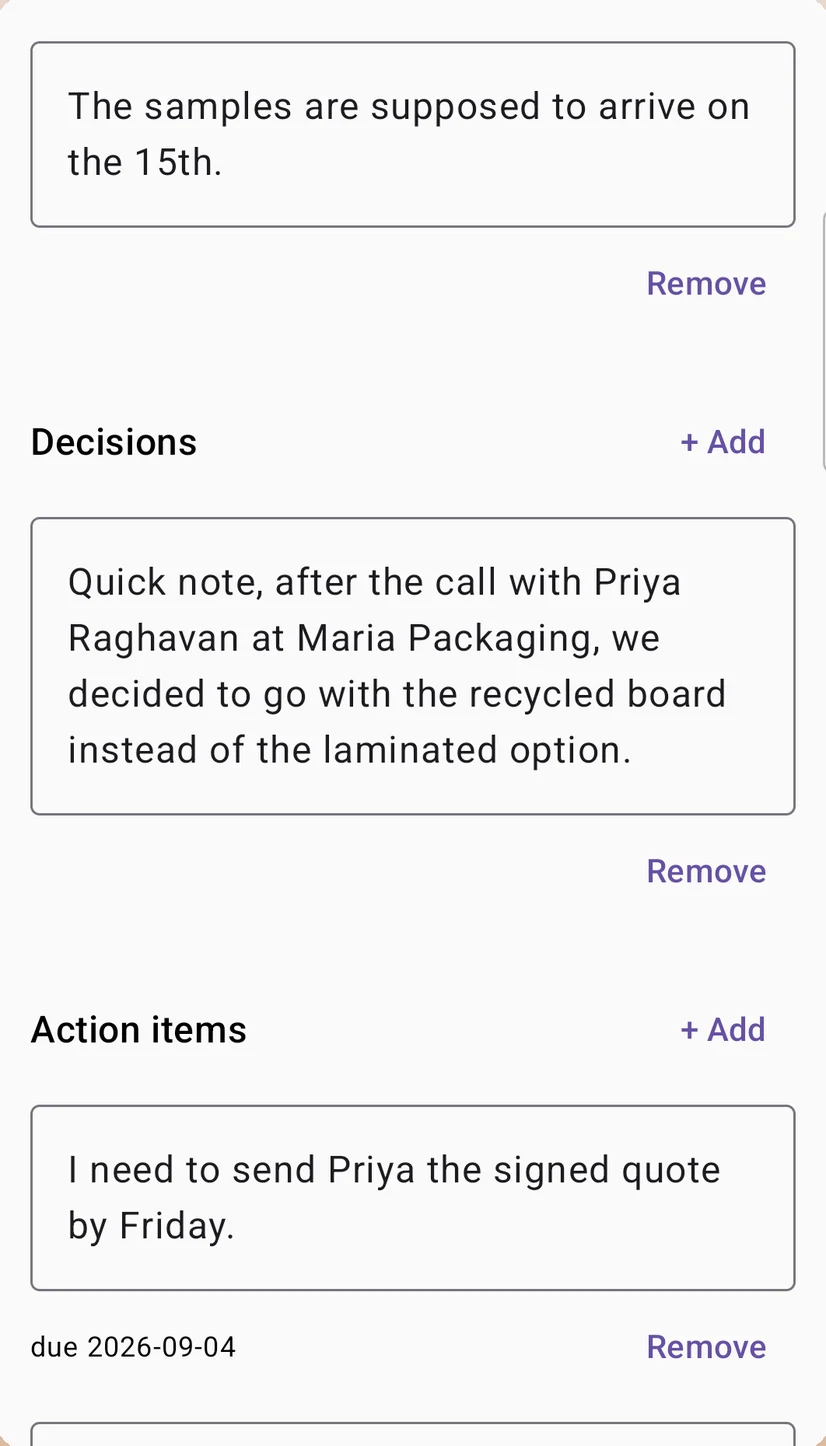
Decisions and action items, pulled out

Search the words inside your notes
Made for people who think out loud.
Anywhere the useful part of a conversation happens before you get anywhere near a keyboard.
Questions, answered.
Is it out yet?
Yes. Voice Notes is live on Google Play — recording, transcription and summaries are free, with no ads and no account.
Is there a voice recorder app that transcribes offline?
That is exactly what Voice Notes is. The speech model runs on your phone, so recording, transcription and summarising all work with no connection — on a plane, on the underground, in a basement, or abroad with no data.
Does my audio get uploaded anywhere?
No, and not as a promise — as a capability the app does not have. Voice Notes declares no internet permission at all, so it cannot transmit your recordings, transcripts or summaries. You can check this yourself in Android app info, under Permissions.
Do I need an account?
No. There is no login screen, no sign-up and no subscription in front of recording or transcription. You open it and it works.
How accurate is the transcription?
Good, not perfect. Speech recognition with no cloud is a real engineering trade-off, and unusual names and words are where it slips. Everything is editable for exactly that reason, and the summary is built from text you can see and correct.
Can it pull action items out of a meeting recording?
Yes. Import the audio and the summary comes back as key points, decisions and action items with due dates, alongside the full transcript. It is not a bot that joins your calls — it works on a recording you already have.
What languages does it handle?
Transcription supports a wide range of languages. The app interface itself is available in English, Hindi, Portuguese (Brazil) and Indonesian.
What does it cost?
The core — recording, transcription and summaries — is free, with no ads and no account.
Where do my notes live?
On your device only. No analytics, no ads, no crash reporter, no cloud copy. The only thing that ever leaves the app is text you hand to your own share sheet.
Say it once. Keep the useful part.
Email usMore from the studio.
Nine apps, one promise: friendly tools that work flawlessly, respect your privacy and fit your life. See all nine and their Google Play links →